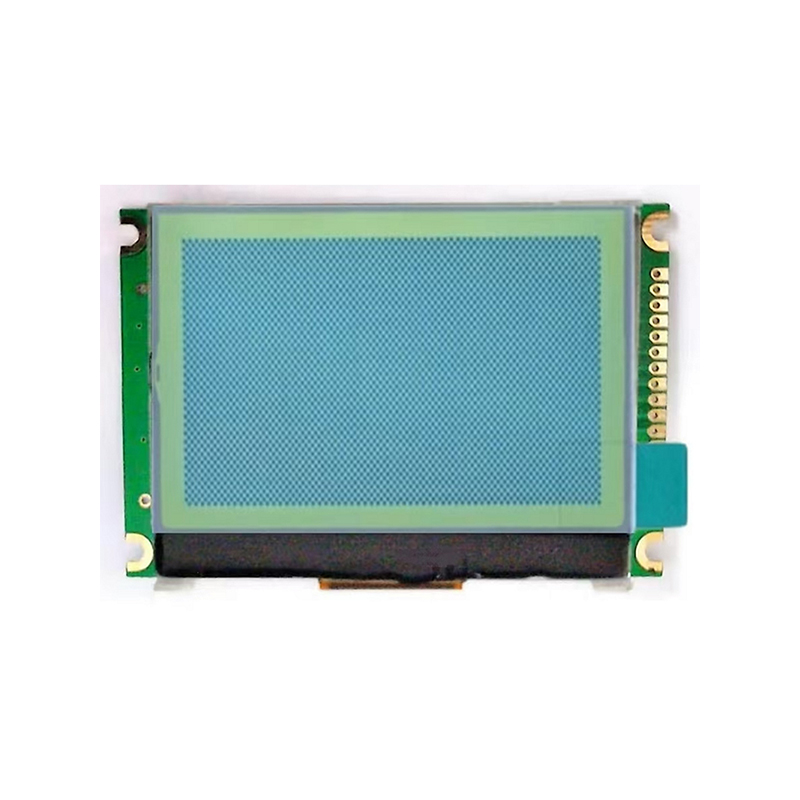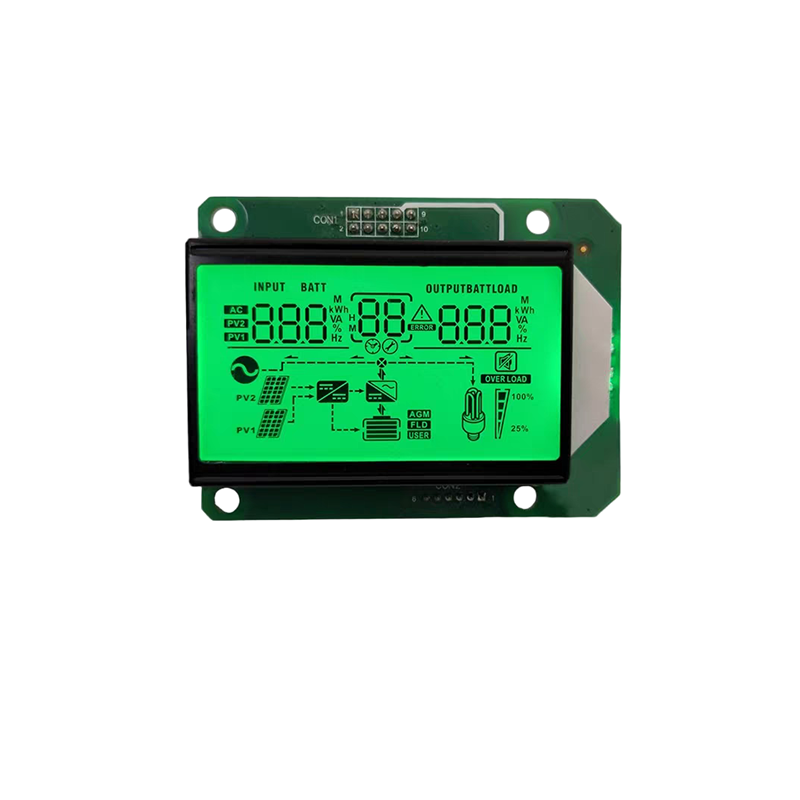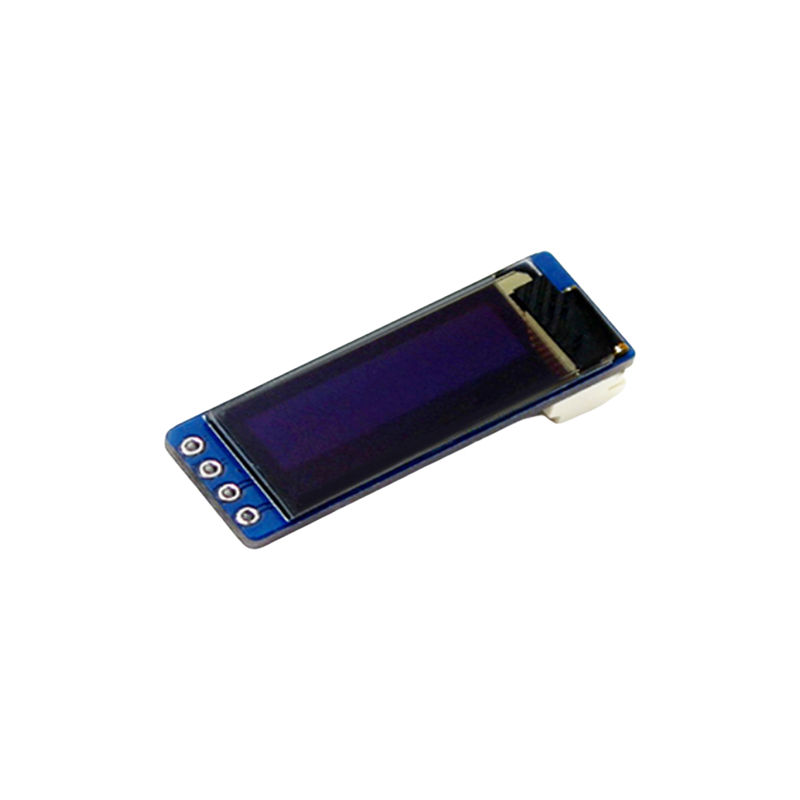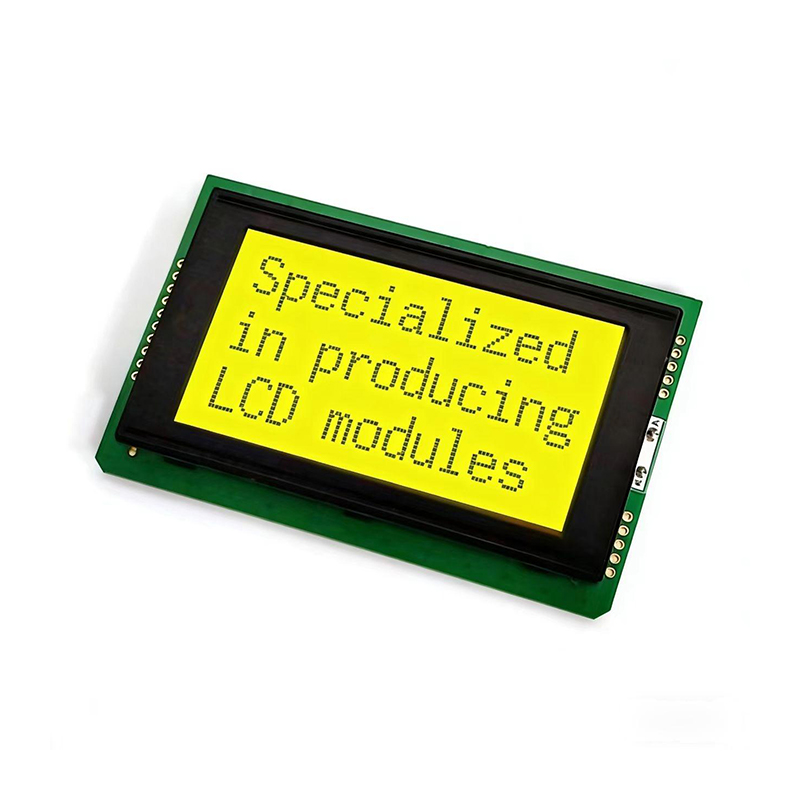
This comprehensive guide explores the 20x4 LCD display, covering its specifications, applications, interfacing, and troubleshooting. We delve into the technical aspects, providing practical examples and resources to help you effectively integrate this versatile display into your projects. Learn how to choose the right 20x4 LCD for your needs and overcome common challenges.
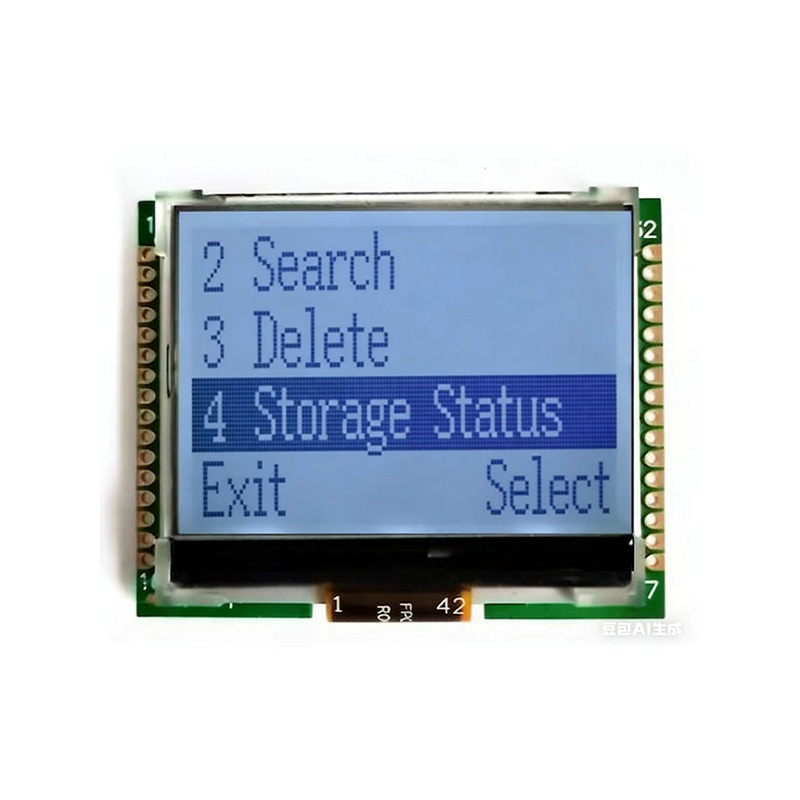
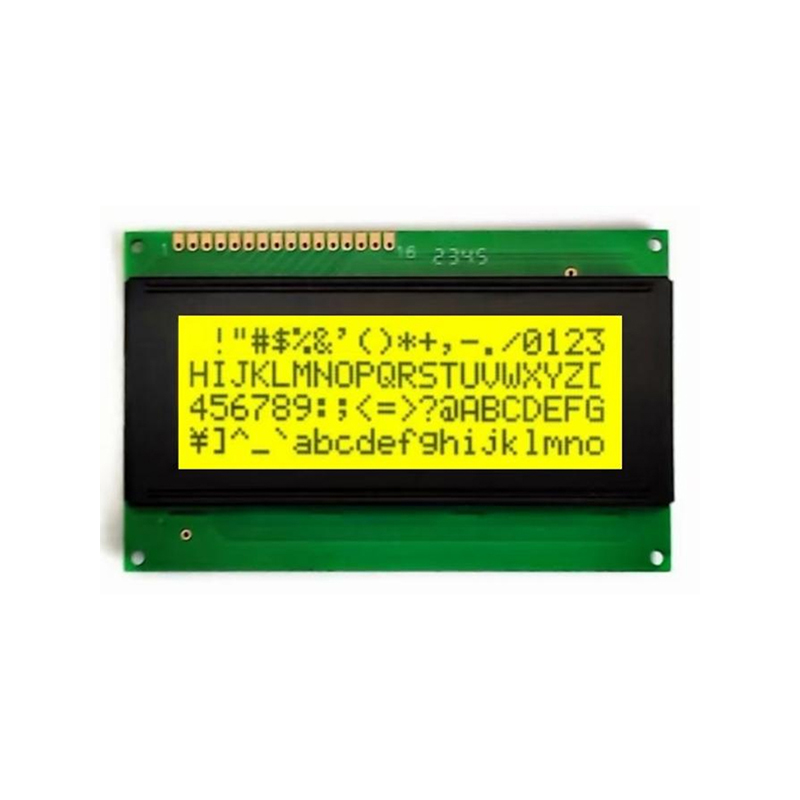
A 20x4 LCD (Liquid Crystal Display) is a compact display module featuring 20 characters across and 4 lines of text. It's a common component in embedded systems, robotics, and various other applications where displaying information is required. These displays are relatively inexpensive and easy to interface with microcontrollers, making them a popular choice for hobbyists and professionals alike. The display typically utilizes a parallel interface, requiring several data and control pins for communication.
Several variations of 20x4 LCD displays exist, but common features include:
Selecting the appropriate 20x4 LCD for your project involves considering several factors:
Connecting a 20x4 LCD typically involves connecting the following pins:
The specific pin assignments may vary slightly depending on the LCD model. Consult the datasheet provided by the manufacturer for accurate pin configurations. Many microcontroller libraries simplify the interfacing process. For example, LiquidCrystal library in Arduino is a popular choice.
Here are some common problems encountered when working with 20x4 LCD displays and their solutions:
| Problem | Possible Cause | Solution |
|---|---|---|
| Blank Display | Incorrect power supply, loose connections, faulty LCD | Check power supply voltage, connections, and replace the LCD if necessary. |
| Poor Contrast | Incorrect contrast adjustment | Adjust the contrast potentiometer |
| Garbled Characters | Incorrect data or timing | Verify the data being sent to the LCD and check the timing signals. |
For more in-depth information and specific examples, refer to the datasheets of individual 20x4 LCD models. Many online tutorials and resources are available, such as Arduino tutorials and application notes from various manufacturers. To find high-quality 20x4 LCD displays and other components, consider visiting Dalian Eastern Display Co., Ltd. for their extensive selection of LCD products.
Remember to always consult the datasheet specific to your 20x4 LCD module for precise pinouts and operating parameters.