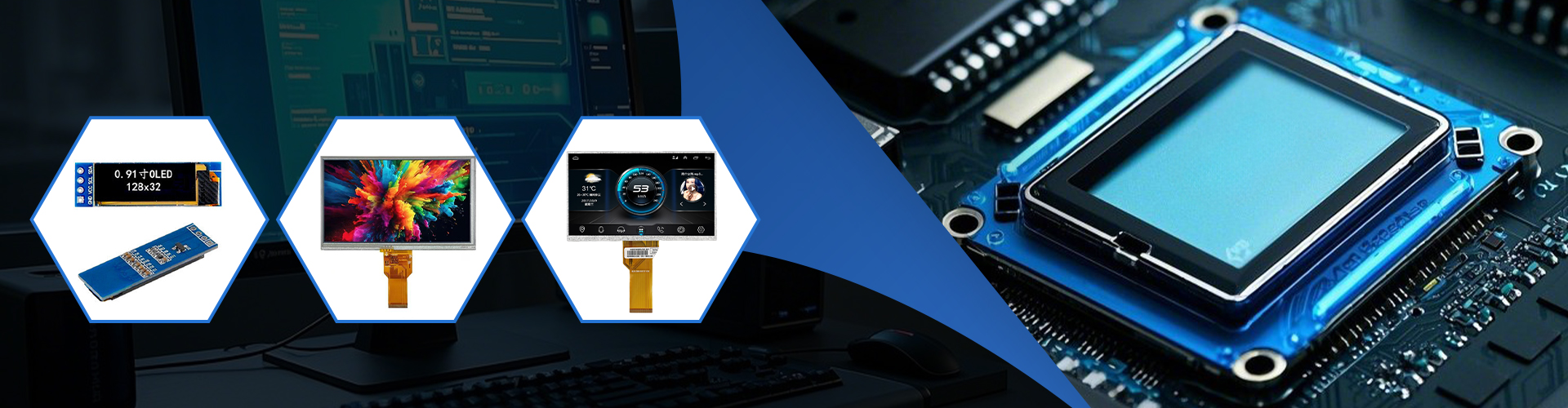
This guide explores effective methods for gracefully exiting applications and shutting down your Raspberry Pi when using a TFT screen. We'll cover various scenarios, troubleshooting common issues, and best practices to ensure data integrity and prevent hardware damage. Learn how to safely power down your system regardless of the operating system or TFT screen you're using. This comprehensive guide provides practical solutions and addresses frequent user concerns.
Improperly shutting down your Raspberry Pi, especially when using a Raspberry Pi TFT screen, can lead to data corruption, software instability, and even hardware damage. Unlike desktop computers, the Pi relies on a clean shutdown process to safely save data and prevent file system errors. This is even more critical with a TFT screen attached, as the display driver might need specific commands for proper de-initialization.
The command line provides precise control over your Raspberry Pi. To exit an application, you can usually press Ctrl+C. For a full shutdown, use the following commands:
sudo shutdown -h now (This command initiates an immediate shutdown.)sudo shutdown -h +5 (This command schedules a shutdown in 5 minutes.)sudo reboot (This command restarts the system.)Remember to save any unsaved work before issuing a shutdown command.
If you're using a desktop environment like Raspberry Pi OS with a Raspberry Pi TFT screen, you can typically shut down through the system menu. This usually involves navigating to a power or logout option, which should provide a graceful shutdown option. Check your specific desktop environment's documentation for exact steps.
Sometimes applications may freeze, preventing a normal shutdown. In such cases, you can try the following:
Here's a table summarizing common problems and their solutions:
| Problem | Solution |
|---|---|
| Application freezes | Try Ctrl+C. If that fails, use a hard shutdown (last resort). |
| Screen remains black after shutdown | Check power supply and cable connections to both the Pi and the TFT screen. |
| System crashes frequently | Check for software conflicts, update your Raspberry Pi OS, and consider running a disk check (sudo fsck -y /dev/mmcblk0p2 - use caution, and replace `/dev/mmcblk0p2` with your SD card partition if different). |
For optimal performance and to avoid data loss, always prioritize graceful shutdowns. Regularly update your Raspberry Pi OS and monitor your system logs for any errors. A reliable power supply is also crucial for preventing unexpected shutdowns. Consider using a UPS (Uninterruptible Power Supply) for added protection against power outages.
For a wide range of high-quality LCD screens and displays, including those suitable for your Raspberry Pi projects, consider exploring the extensive selection at Dalian Eastern Display Co., Ltd. They offer a variety of options to meet your specific needs.
By following these steps and best practices, you can effectively manage your Raspberry Pi TFT screen and ensure a safe and smooth shutdown every time.