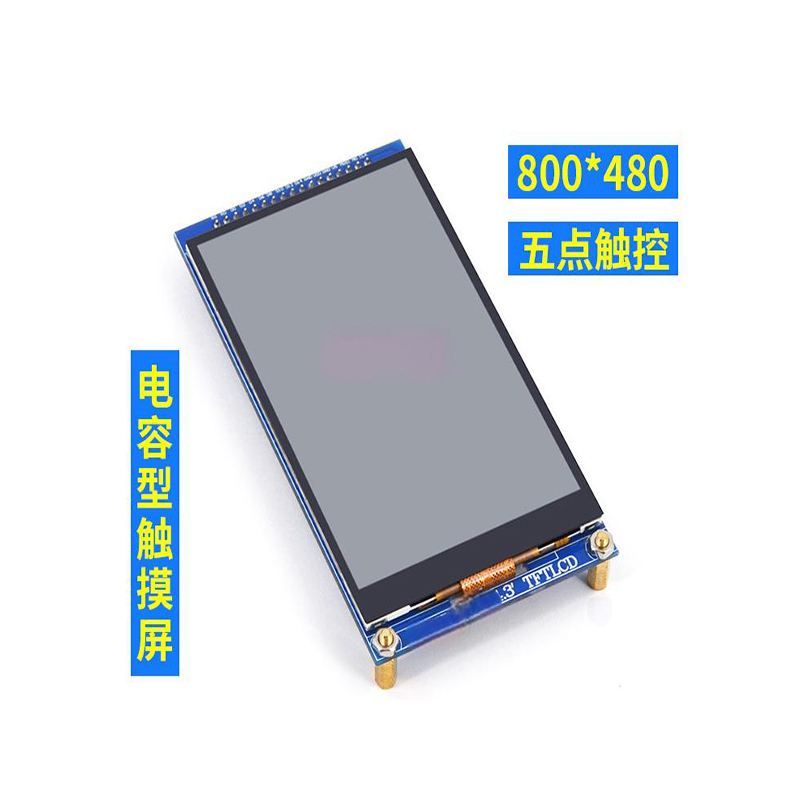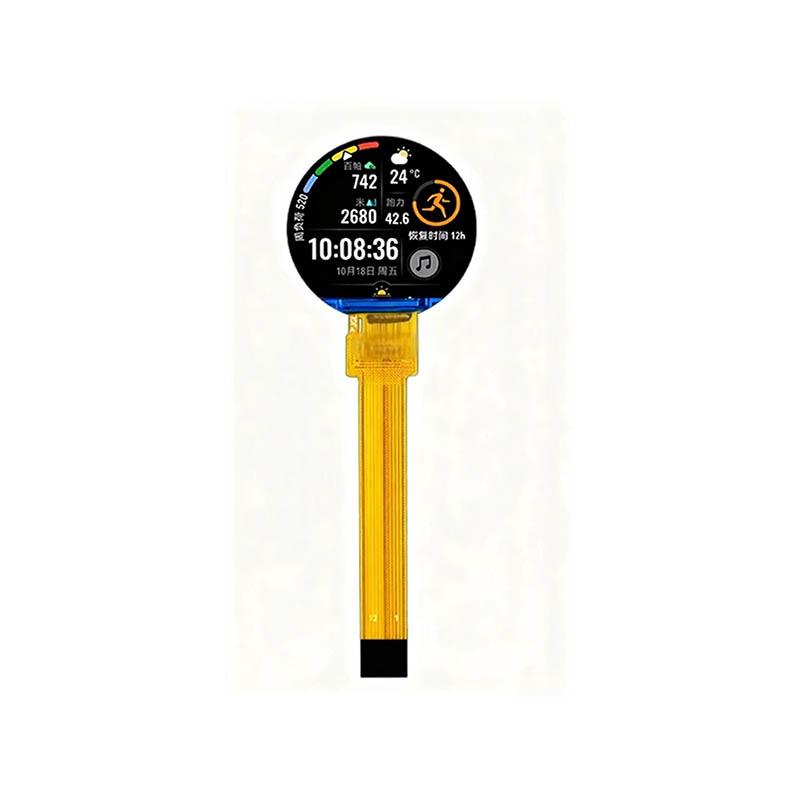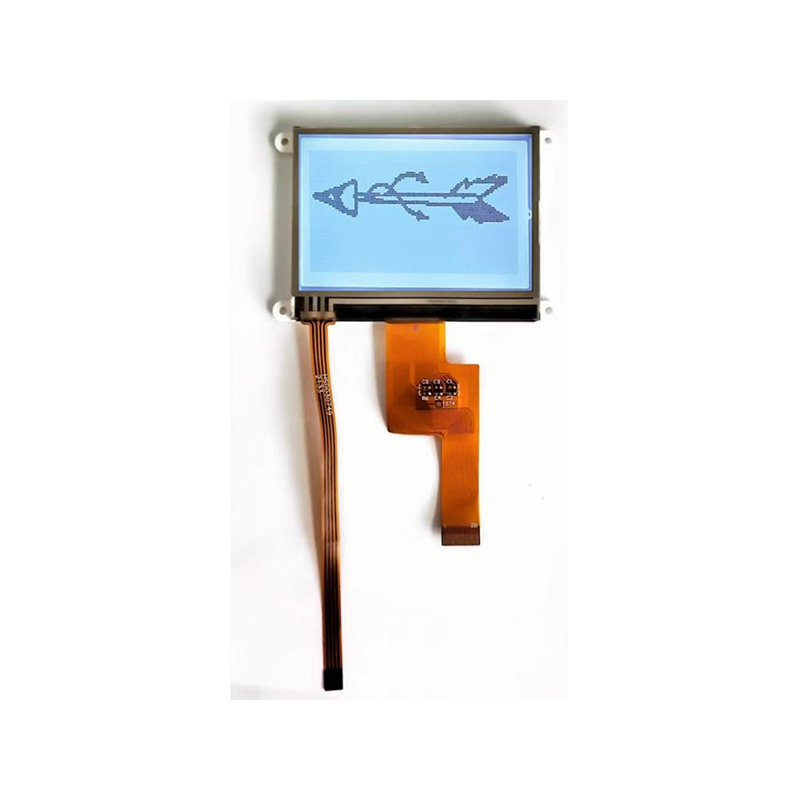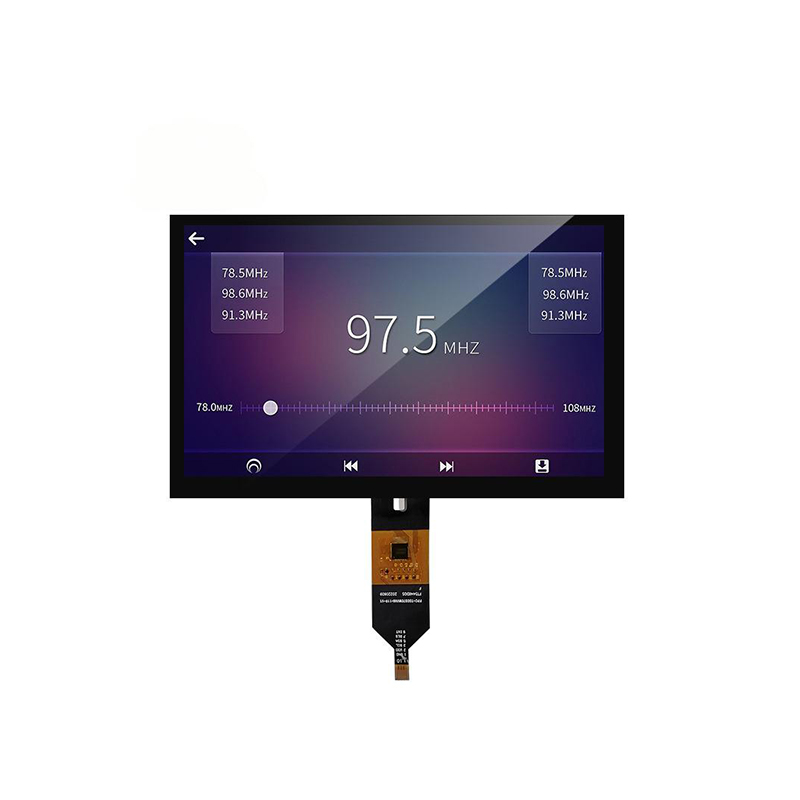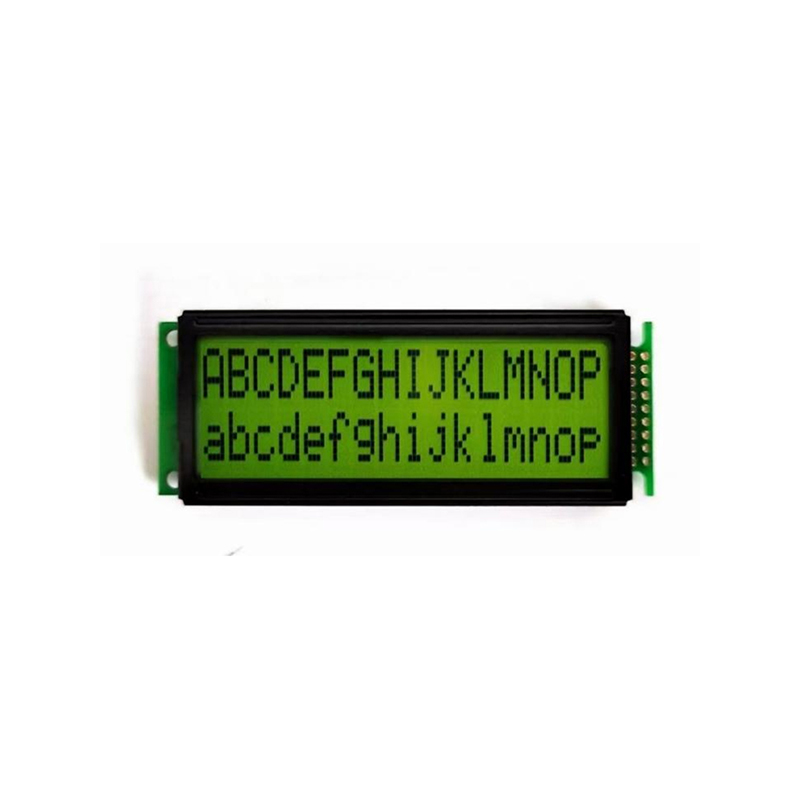
Exiting an Arduino Program with TFT Display InteractionExiting a program cleanly on an Arduino, especially when interacting with a TFT display, requires careful handling of resources. This guide will walk you through various methods, focusing on best practices and offering solutions for common challenges encountered when working with Arduino with TFT display exit scenarios.
Simply stopping an Arduino program using the reset button isn't always ideal, particularly when using a TFT display. Unfinished processes can lead to data corruption, display glitches, or even hardware instability. A clean exit ensures all tasks are completed, resources are released, and the display is left in a predictable state. This is especially important in applications where the display shows critical information or interacts with other components.
For basic scenarios, the `delay()` function can be used to pause the program before exiting. This can provide time for any ongoing processes to complete, like screen updates. However, this is less suitable for more complex applications requiring precise timing or immediate responses.
void setup() { // Initialize TFT display}void loop() { // ... your code ... // Simulate a graceful exit after 10 seconds delay(10000); // Exit the loop implicitly (the program terminates)}A more user-friendly method involves using a button to initiate the exit. This allows for controlled termination, especially when the program needs to perform cleanup tasks before shutting down. This approach is commonly used in Arduino with TFT display exit applications, offering a tangible user interaction.
const int buttonPin = 2;boolean buttonState = HIGH;void setup() { // Initialize TFT display and button pin pinMode(buttonPin, INPUT_PULLUP);}void loop() { // ... your code ... buttonState = digitalRead(buttonPin); if (buttonState == LOW) { // Perform cleanup tasks (e.g., clear the TFT screen) tft.fillScreen(TFT_BLACK); // Assuming tft is your TFT library instance // Exit the program gracefully while(1); // Infinite loop - Stops further execution }}For more advanced applications, software interrupts provide a mechanism for handling exit requests while still maintaining responsiveness to other events. This method allows for concurrent processing of tasks, improving the user experience, especially during interaction with the TFT display.
For instance, you could initiate an interrupt when the user presses a specific button, triggers a sensor, or interacts with a menu on the TFT display. The interrupt service routine would then handle the exit process orderly.
The best method for handling an Arduino with TFT display exit depends heavily on the complexity of your application. Simple applications might benefit from the `delay()` approach, while more interactive systems require button-triggered or interrupt-based solutions. For all methods, ensure proper cleanup of resources like the TFT display to prevent unexpected behavior.
If you encounter issues like display corruption or program crashes during the exit process, double-check your code for proper initialization and resource management. Ensure that all libraries are correctly installed and configured, and consider using debugging tools to identify potential problems.
For high-quality TFT displays for your Arduino projects, consider exploring the range of options from Dalian Eastern Display Co., Ltd. Visit their website to learn more about their products.